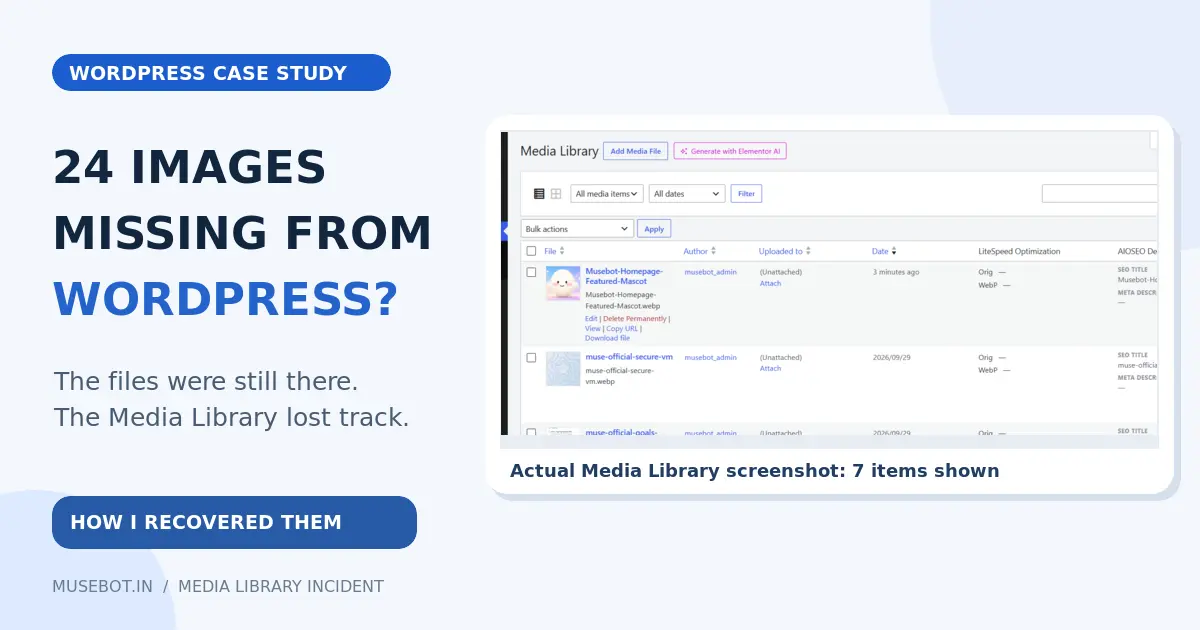
I opened the Media Library on this website, Musebot.in, and got a nasty surprise. I expected to see the images used across my pages. Instead, WordPress showed just seven items.
Where were the other 24?
The strange part was that the pictures still appeared on the live website. Visitors could see them, but I could not find them in the WordPress Media Library. That made me wonder whether the images were about to disappear from the pages too.
The clue was in the file manager
I opened Hostinger’s File Manager and went to the site’s wp-content/uploads/2026/09/ folder. The missing WebP files were there. I even found smaller versions WordPress had made for different screen sizes.
Think of it like a school library. The books were still on the shelves, but some of their cards were missing from the library’s list. A person with the exact shelf location could still find a book. The librarian’s search could not.
Also Read:
That’s roughly what happened here. The image files existed on the server, and the pages knew their URLs. But the Media Library did not show records for 24 of them. I still don’t know exactly why those records were missing, so I won’t blame a specific plugin, update, or person.
How I got the images back in the Library
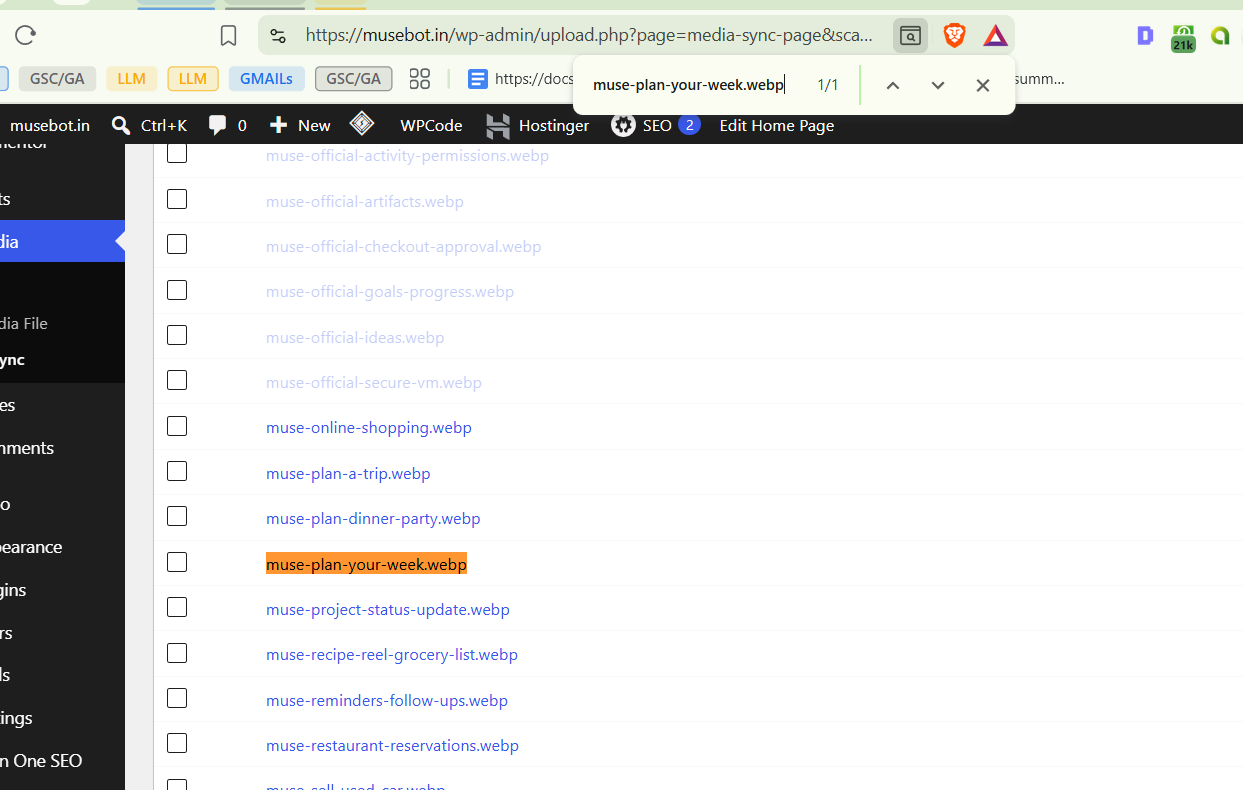
I installed the free Media Sync plugin and asked it to scan the uploads folder. It found the images that WordPress was not listing.

First, I picked one original file, muse-plan-your-week.webp. I ran a test with Dry Run switched on. Then I switched Dry Run off and imported that one image for real. It appeared in the Media Library. Good sign!
Next, I selected the other original WebP images from the September folder and imported them. I left the smaller copies, with names such as -768x..., alone. The plugin reported 23 imported out of 24 selected because the image from my first test was already in the Library and was skipped.

Now the Library shows 31 items: the seven it already had, the first image I recovered, and the other 23.
What to do if this happens to you
If images load on your pages but seem missing from WordPress, check whether the files are still in wp-content/uploads. Make a backup before changing the database. Then use a media sync tool to test one original image and check that it appears in the Library before importing the rest.
And don’t panic just because the Library looks empty. Check the files and the live pages first. In my case, the images were still there. WordPress just needed help listing them again.